WordPress in 2026: Why might it not be the right choice for your business website, and what are the alternatives?
In this article, we look at the main reasons people still consider WordPress a good choice for their websites. We examine each one and explain why we think many of these advantages no longer hold up for business websites in 2026. We also discuss what really matters and the alternatives for building a modern, secure website designed to convert.
What is WordPress, really?
WordPress launched in 2003 as a tool for publishing blogs. Since then, it has grown into a content management system (CMS) for many kinds of websites. At its core, WordPress is built to create, organize and publish content—not as a dedicated website builder.
For many people, though, it feels like a website builder. Its block-based Site Editor lets you create layouts visually, drag and drop blocks, and change much of a site without coding knowledge. That has made WordPress more accessible.
But more than 20 years after its launch, the question for your business is: is WordPress still the best way to build your website?
In our experience, WordPress is not the best fit for most business websites. Today, more focused custom solutions are often simpler to build and maintain around what a business actually needs.
Five common WordPress advantages—do they hold up in 2026?
The following points are often cited as advantages of WordPress over other systems. Here, we look at what each point actually means and whether it is still an advantage.
-
WordPress is a free, open-source CMS
Yes and no. WordPress itself is free to download and develop with locally, but you still need to buy or rent a server to host your website online.
If you run it on your own server, you are responsible for two things: (a) maintaining and securing the server, including system updates, and (b) maintaining WordPress—updating the software, themes and plugins, making backups, and resolving conflicts. Some problems may even require PHP knowledge.
If you are not a developer or technically confident, managing all this yourself is probably not the right option.
So what does a simple WordPress website really cost per month?
For your WordPress website, you would probably choose managed WordPress hosting from a provider such as one.com, Hostinger or Oderland.
Budget roughly SEK 200–1,000 per month for a simple business website.
Managed hosting can take care of automatic WordPress updates, daily backups and security monitoring. That reduces the work, but it does not rule out problems such as plugin conflicts or bugs. A developer might spend 15–30 minutes on a routine update; if something breaks, it takes longer. For someone without technical experience, even a routine update can take more time.
As a business owner, you would probably need to budget around SEK 500–2,000 per month for developer support.
That puts a realistic estimate of the monthly cost at SEK 700–3,000 for a professional WordPress website.
At SkåneWebb, we combine modern custom development with Cloudflare hosting. This allows us to build modern, secure websites with maintenance costs as low as SEK 500 per month.
-
Massive customization, with over 50,000 free plugins and thousands of themes
Yes, many plugins are free to install. But to use most of them, you would need a paid subscription. Most themes are also paid.
Many services offered through WordPress plugins are also available for other website builders or custom websites. Custom sites can draw on an even wider range of tools.
-
User-friendly publishing and a capable CMS
Yes, writing and publishing a basic post in WordPress can be easy. But the same is true of Wix and other modern website builders.
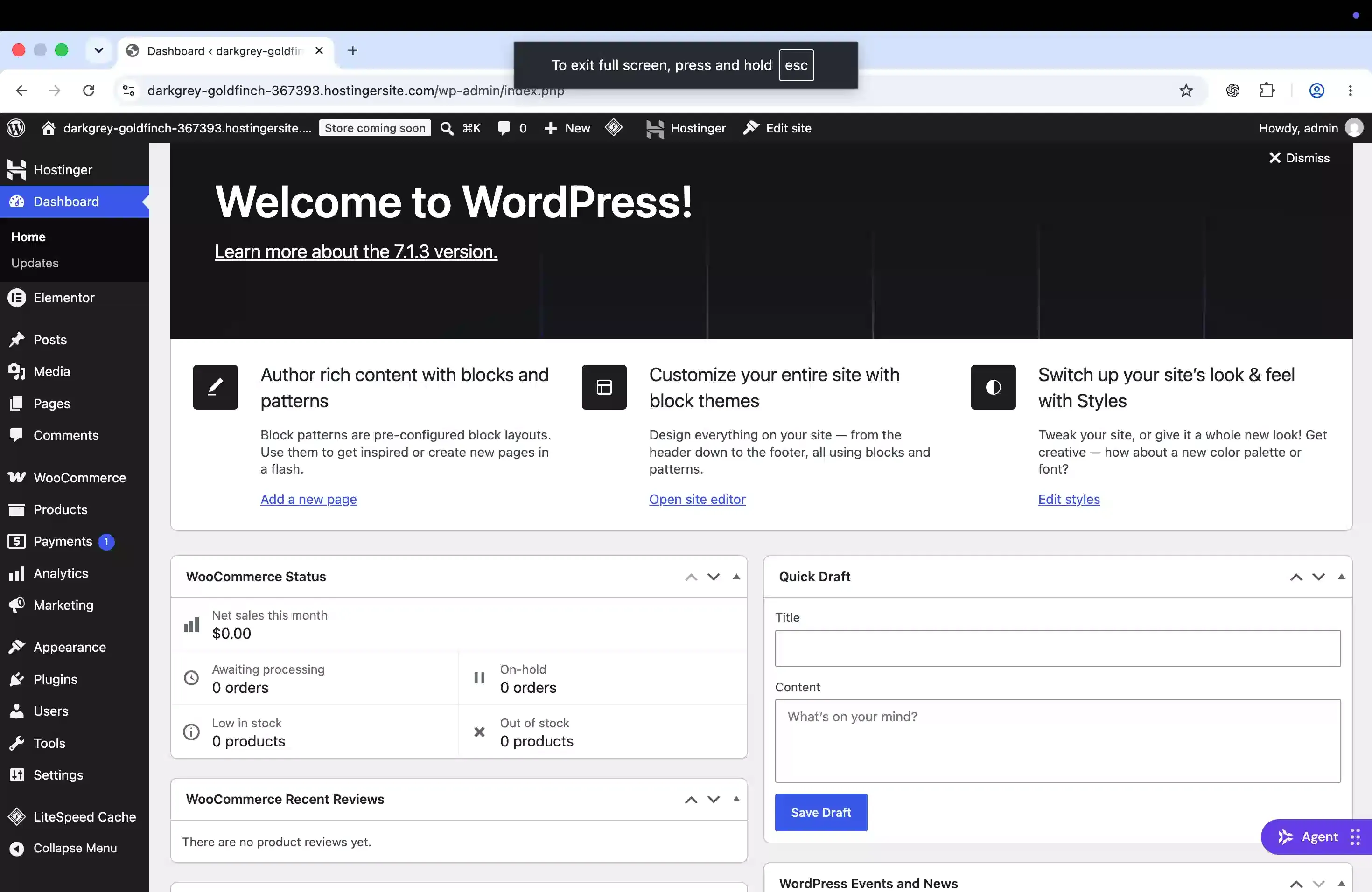
For someone without a technical background, the WordPress dashboard can feel overwhelming. You have to figure out which plugins to install and how to use them. Making the site look decent can still mean hours of tutorials, even with a drag-and-drop editor. AI can help you get started, but customizing an AI-generated site afterwards can also be difficult.
As a CMS, this is where we find WordPress less convincing. A managed WordPress site lets you edit blog posts and, with WooCommerce, products. But if you want to go beyond that and manage custom data tables from the dashboard, you need extra development or plugins. Wix, for example, lets you create flexible content collections directly in its CMS and display them dynamically on your site.
If your business grows and you have a lot of content or several people editing it, a better fit may be to connect your website to a headless CMS such as Sanity. It is built for structured content and allows teams to collaborate in real time.
Screenshot of a WordPress admin panel. -
E-commerce ready
Yes, you can add WooCommerce to a WordPress site. But in 2026, you can also sell through many modern website builders, so e-commerce alone is not a reason to choose WordPress.
If you need a full online store, we think Shopify is the better place to start. It brings hosting, checkout, payment options and platform updates together. For a business focused on selling, its monthly fee is worth the simpler day-to-day experience.
Yes, WooCommerce powers more live stores (4.16 million versus 3.16 million on Shopify). But among the top-ranked websites, Shopify leads by nearly 7 percentage points. In 2025, Shopify reported $378 billion in gross merchandise volume (GMV), while WooCommerce stores generated an estimated $30–35 billion. And in September 2026, about 2.5 times as many websites appeared to switch from WooCommerce to Shopify as the other way around.
If you mainly want a business website with the option to add a store later, Wix might be a much better choice. You can build the business site first and add an online store when you need one.
For larger stores, we would recommend headless e-commerce: a custom storefront connected to a separate commerce backend. This gives you more control over checkout and, with the right payment provider, can avoid Shopify's additional fees for third-party payments.
-
WordPress can serve high-traffic websites
Yes, but how easily it scales depends on your hosting provider. If you self-host WordPress and your website grows, keeping the server fast and reliable can become a real challenge if you are not technically experienced.
If you choose managed WordPress hosting, pay attention to the plan's bandwidth. Hosting providers often use this term for the amount of data transferred when visitors load your pages, images, scripts and files. As traffic grows, so does the amount of data your site transfers.
The best option is a plan with unlimited bandwidth, so higher traffic does not force you to upgrade just because of data transfer. But unlimited bandwidth does not mean unlimited server resources: check the limits on processing power, memory and visits too.
Other WordPress shortcomings
Slow performance and long loading times
A WordPress site can be fast, but heavy themes, page builders and multiple plugins can slow it down. Keeping loading times low may require web development skills. Managed WordPress hosting can handle caching and content delivery, but how much you can change yourself depends on the provider.
In the HTTP Archive comparison, WordPress and WooCommerce had the lowest median Lighthouse performance scores and the lowest share of sites passing Core Web Vitals among the six platforms with reported results.
That does not mean it is impossible to build a fast WordPress website. But getting good results often takes web development skills.
The same is true for Astro: choosing the framework alone does not guarantee a fast site. But with the right configuration, it gives us a lighter starting point. Astro sends no JavaScript to the browser by default, while WordPress themes and plugins in most cases add heavy scripts. In our experience, Astro makes it easier and faster to achieve better performance than a typical WordPress setup.
Lower security
Many WordPress websites use plugins made by third-party developers. When you install a plugin, its code runs as part of your website. It can therefore read or change information in your database, including user accounts, use files your web server can access, contact other servers and affect how themes or other plugins work. If your server allows it, the code can even run system commands. If your site stores customer data, an insecure or malicious plugin could expose it and compromise your whole website.
What to do instead?
As of October 2026, we see a trend away from WordPress and toward custom website development. With the help of AI, we can now build custom websites faster, keep maintenance and support costs lower, and create more beautiful, user-friendly sites.
This is exactly where SkåneWebb thrives. Our team brings more than 10 years of custom web development experience, from well before AI tools became common. For marketing sites, we combine Astro with Cloudflare hosting to build lean, modern custom websites that are fast, secure and designed to convert. We build websites of all sizes, including small business sites.
See more about our approach in Why our websites work.
If you want to build your website yourself, we recommend looking at website builders. A key difference between website builders and WordPress, which is primarily a CMS, is that builders often include common features such as contact forms, appointment booking and cookie consent within one platform. That means you are less likely to need third-party plugins, making the site easier to manage and reducing the security risks that come with adding outside code. We especially recommend Wix for people building their own site: it scores higher than WordPress in the performance comparison above and has powerful SEO tools built in. But it can still be overwhelming to build a professional website yourself.
Need a business website?
Contact us